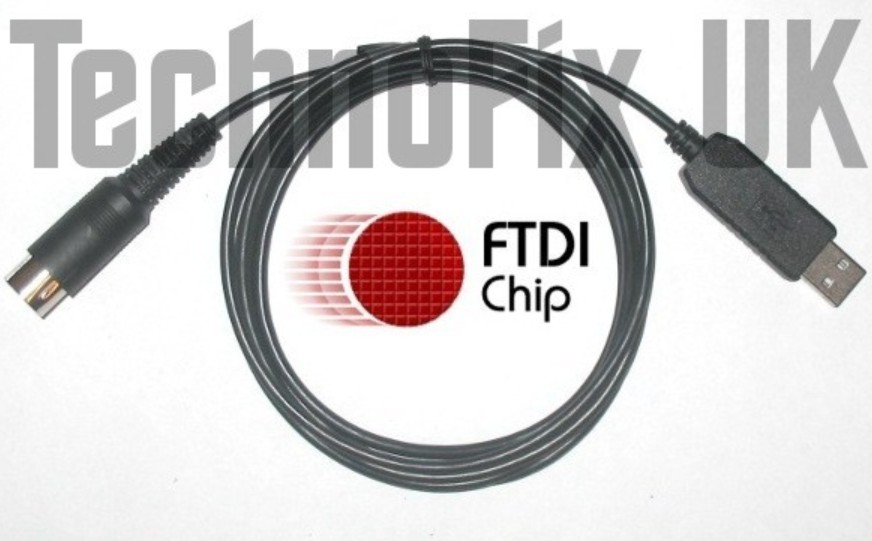
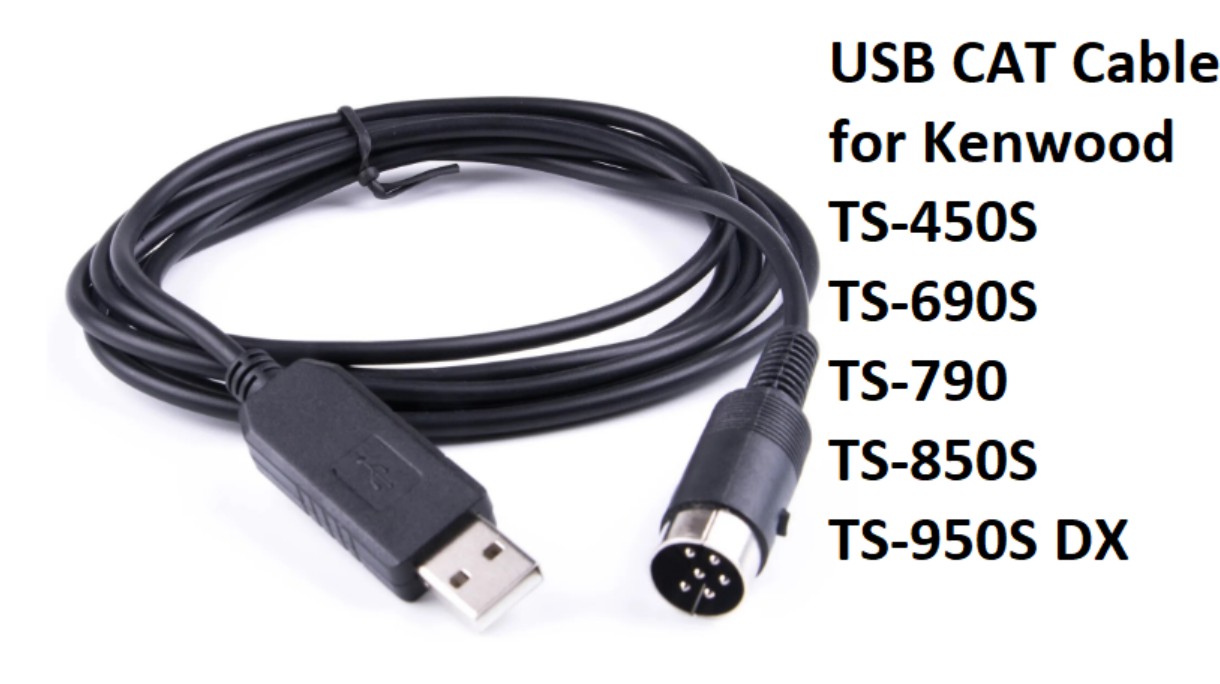
USB cable for Kenwood TS-450S to use software WSJT
Key Details for Setup:
- Cable Type: USB to 6-pin DIN (ACC1) for CAT control, typically using FTDI or Silicon Labs chipsets for reliability.
- Connection: The 6-pin DIN connects to the ACC1 socket on the side panel; the USB connects to the computer.
-
WSJT-X Configuration:
- Rig: Kenwood TS-450S (or TS-690/850 if 450 is not listed).
- Port: Select the COM port assigned to the USB device in Device Manager.
- PTT Method: CAT.
- Mode: USB (Upper Sideband).
- Audio: A separate USB soundcard interface is necessary for audio input/output, typically plugged into the packet/data port.
- Driver: FTDI drivers are generally recommended for the best performance.
Ensure you purchase a cable that specifically
mentions compatibility with the TS-450S and 6-pin DIN ACC1 port.
Owner Rudolf Bosnjak - T94RB, Sarajevo, Bosnia and Herzegovina.
Click above photo to see a larger photo.